Observations
- The location tracking disclosure is buried at the bottom after a separator line, surrounded by legal boilerplate. Users who see negative reviews about location permissions and then find this disclosure deep in small print will interpret it as the developer hiding something.
- The visible text above the 'More' fold is a single generic sentence followed by a dash header. A user who does not tap 'More' sees almost no compelling reason to download. The fold is the highest-value real estate in the description and it is essentially empty.
You already know you spend too much time on your phone. OffScreen shows you exactly where those hours go — and gives you real tools to take them back.
Most screen time apps just show you numbers. OffScreen goes further: it blocks the apps pulling you in, runs focus sessions that actually work, and tracks the sleep and walking habits that tell the real story of your day.
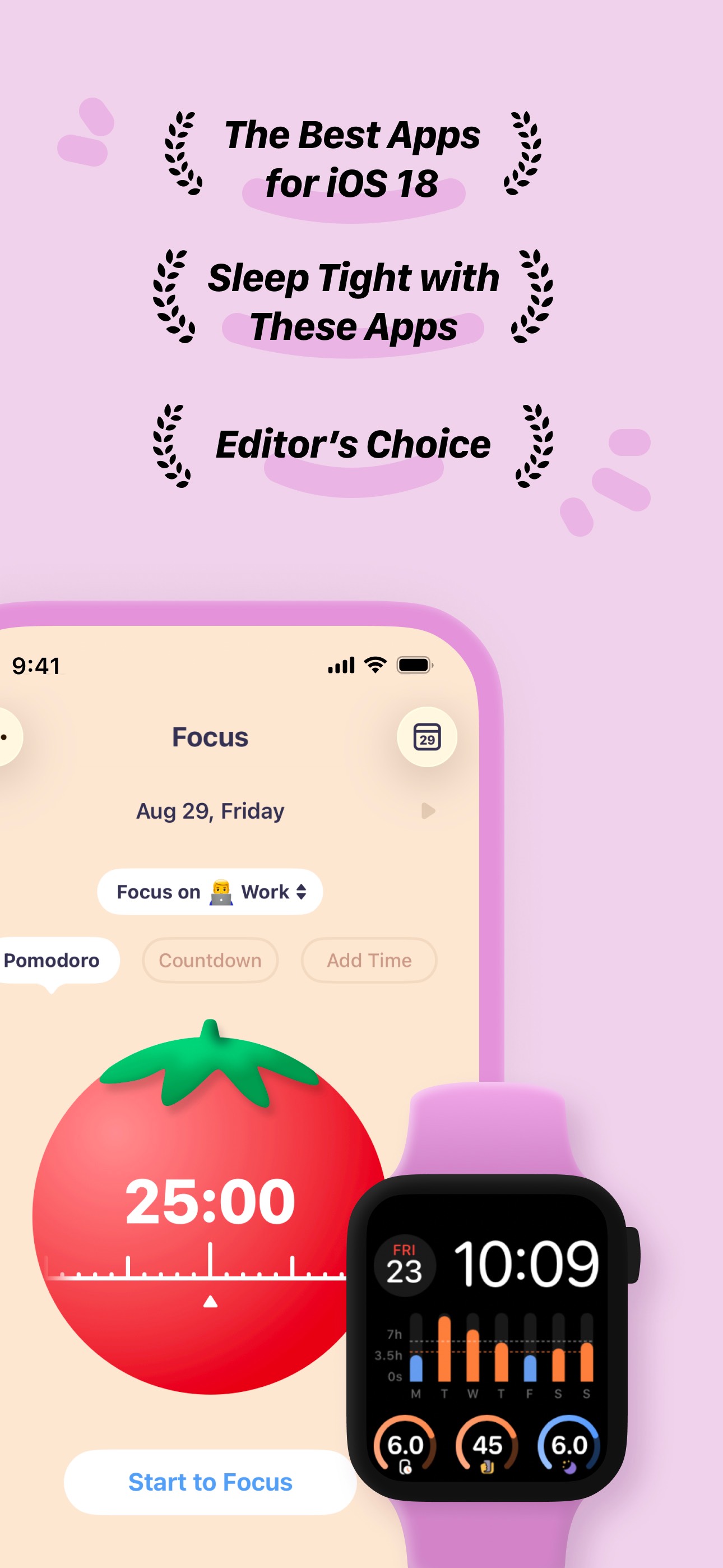
2,400+ ratings • Editor's Choice • Featured in 'Best Apps for iOS 18'
TRACK YOUR SCREEN TIME
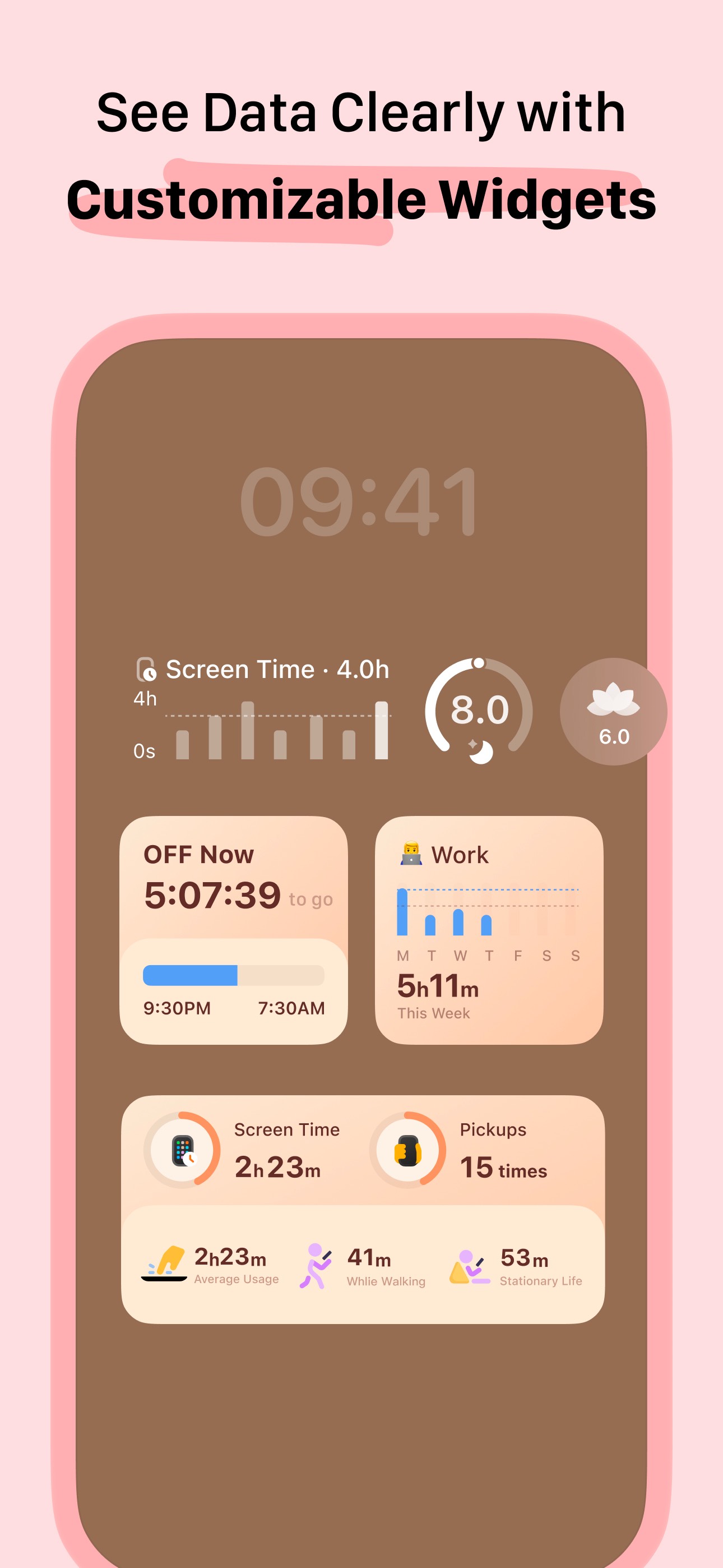
• See your daily screen time, pickups, average usage, and best break — all in one place
• Week, month, and year views so you can spot patterns, not just today's total
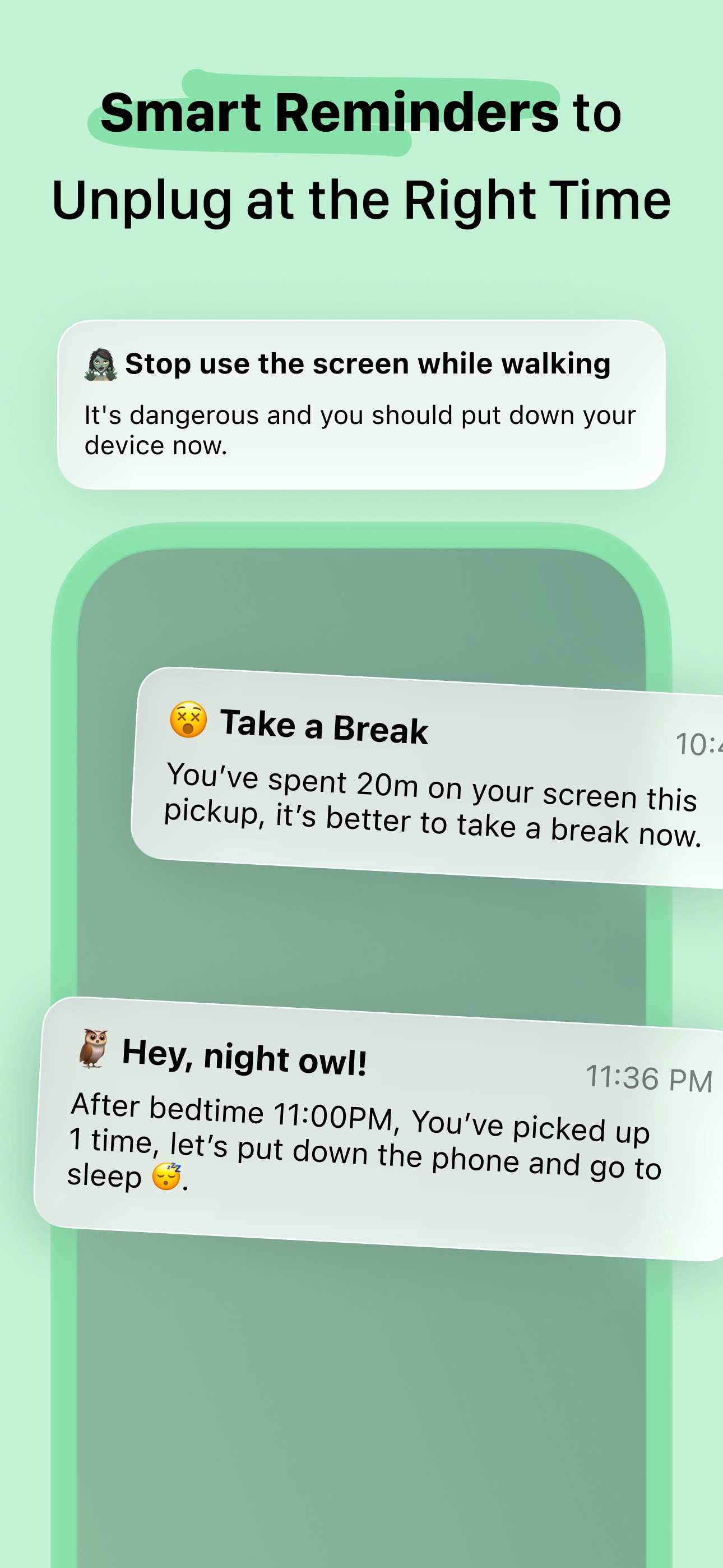
• Walking time detection shows how much you use your phone while moving
• Sleep data pulled directly from Apple Health
• Apple Watch complication and widget support
BLOCK DISTRACTING APPS
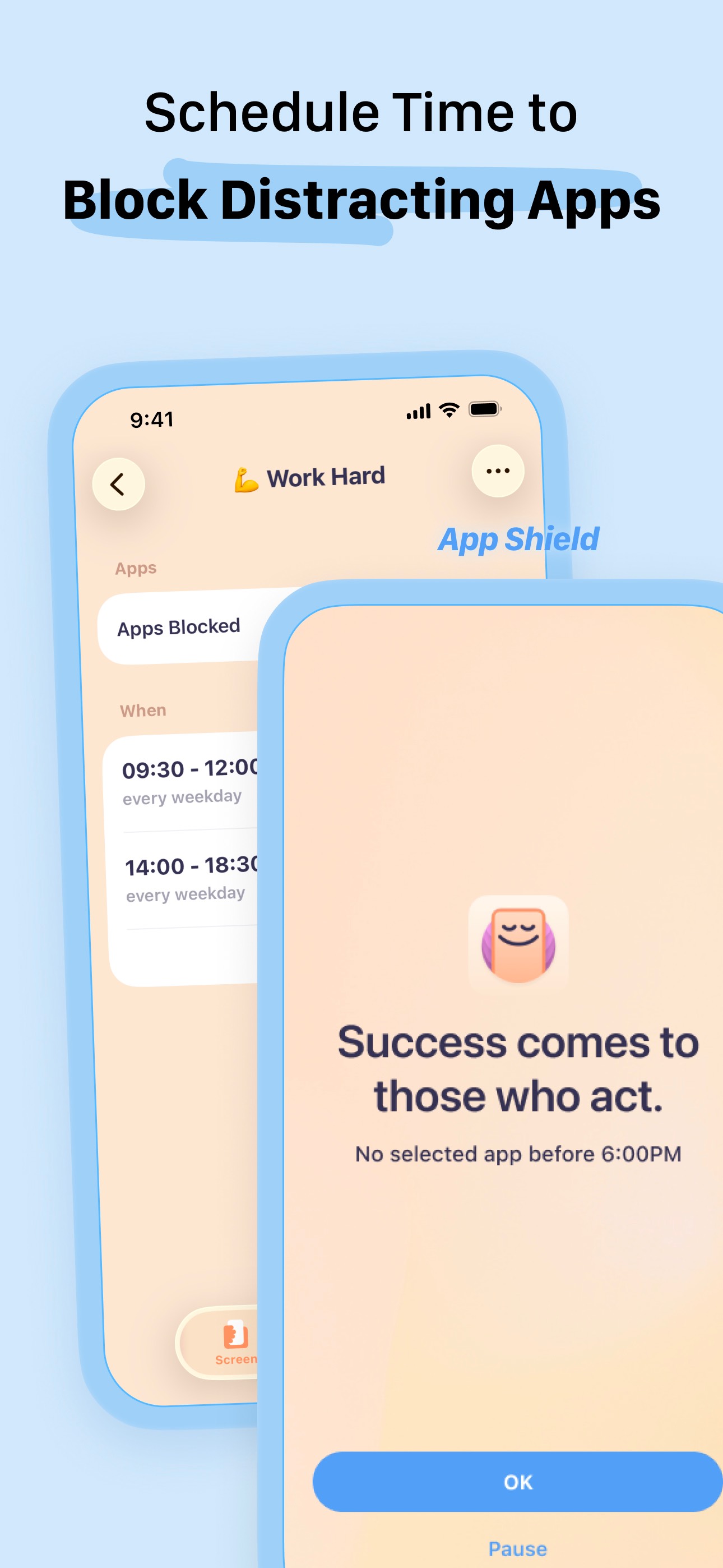
• Schedule app blocking windows — block social apps during work hours, automatically
• OFF Time: set a manual do-not-disturb window for any apps you choose
• App whitelist: allow specific apps (dictionary, maps) during focus sessions
• Motivational message shown when a blocked app is opened — not just a hard wall
FOCUS SESSIONS THAT STICK
• Pomodoro, countdown, and free-timer modes — pick what fits your work style
• Lock screen and flip-to-focus modes so you're not fighting your own phone
• Live Activity and StandBy support — see your session without unlocking
• Tag sessions by project so you can see where your focused time actually goes
• Focus on Apple Watch — start and monitor sessions from your wrist
CHALLENGES & GOALS
• Screen time challenge, pickup challenge, and sleep challenge
• Set a daily screen time goal and track your streak
• Share your progress with a well-designed share card
HEALTH INTEGRATION
• Focus and mindfulness minutes sync to Apple Health automatically
• Sleep time synced from Health — no manual entry
A NOTE ON LOCATION
Walking time detection uses your location in the background to identify when you're using your phone while moving. This runs only when the app is active and can be disabled in Settings at any time. It does not affect any other feature.
SUBSCRIPTION INFO
Some features — including scheduled app blocking — require OffScreen Pro. Subscription renews automatically. To cancel, go to Settings > [Your Name] > Subscriptions on your iPhone at any time. You can also manage your subscription directly inside OffScreen under Settings.
Start free. See your first insight today.
Privacy Policy: https://miidii.super.site/miidii-tech/privacy-policy
Terms of Use: https://miidii.super.site/miidii-tech/terms-of-use
2241 chars
Six structural changes from the original: (1) Opens with a user-transformation sentence, not the brand name — addresses the fold problem directly. (2) Social proof ('2,400+ ratings, Editor's Choice') moved up to top-third of description where it builds trust before the feature list. (3) Location permission explanation moved into main body as a transparent, benefit-framed note — proactively defuses the #1 one-star complaint before it becomes a review. (4) Subscription section rewritten to include in-app cancellation path — addresses the 'no cancel button' review complaint and aligns with App Store guideline 3.1.2. (5) Grammar errors fixed; 'iTunes account' replaced with plain-language cancellation instructions. (6) Closes with a short, action-oriented CTA. Description does not affect keyword ranking — every change here targets conversion rate improvement.